LiveMarkup
LiveMarkup and LiveMarkdown — two tiny, client-side editors with instant preview. No backend, no build step, no account. Small, finished tools — live and unattended since I built them.
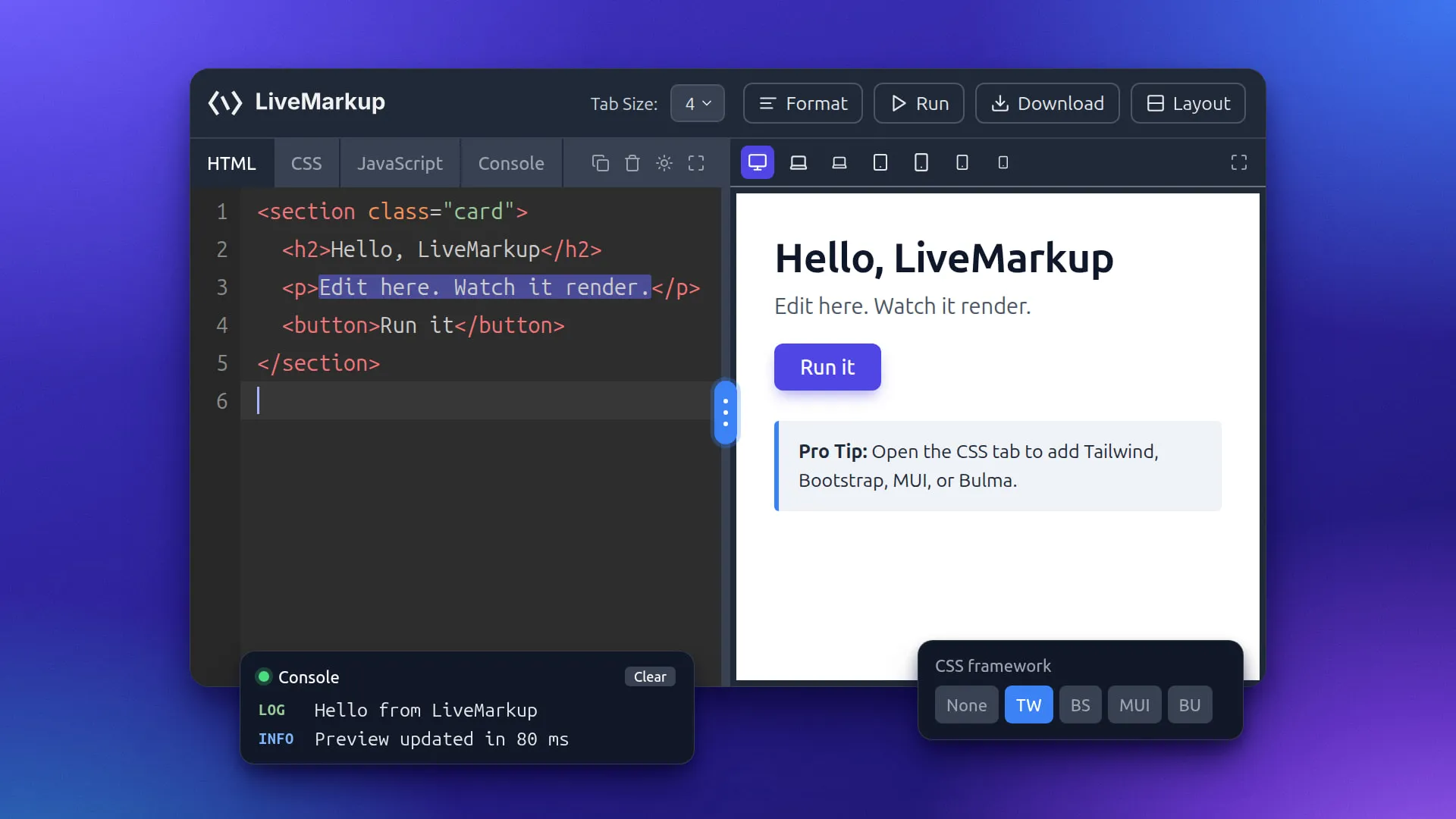
Pixels not found. It was right here a second ago.
- Engagement
- Open-source tool
- My role
- Creator
- Timeline
- Ongoing
- Built with
- JavaScript · HTML · CSS
- JavaScript
- HTML
- CSS
- KaTeX
- Mermaid
- Zero-backend
LiveMarkup and LiveMarkdown are the same idea applied to two adjacent problems: a fast, no-friction place to write something and watch it render, with nothing between you and the page.
Scratching my own itch
I wanted a place to paste a snippet of HTML/CSS and see it render immediately — no account, no project setup, no build step, nothing to save or lose. LiveMarkup is that: open the page, type, watch it render. LiveMarkdown is the same instinct pointed at Markdown instead of markup, for the far more common case of writing a README or a note and wanting to see the rendered version next to the raw text as you type.
Neither started as a “product.” Both started as the tool I wished existed the next time I needed to test a markup snippet or check how a piece of Markdown would actually render, and kept existing afterward because there was no reason to take them down.
Client-side architecture
Both tools make the same architectural bet: zero backend. The editor, the parser, and the preview all run in the browser. No account to create, no server to keep alive, no database to back up, and no hosting bill that eventually justifies shutting the thing down. That constraint is also what makes the preview instant — there’s no round trip to a server between a keystroke and the rendered output.
LiveMarkdown extends the same approach further: math rendering via KaTeX and diagram rendering via Mermaid, both running client-side alongside the Markdown parser, so equations and diagrams preview exactly as instantly as plain text does. Adding either of those to a server-rendered pipeline would have meant a render service, a queue, and a reason for the tool to eventually need maintenance it doesn’t get. Staying client-side keeps the whole thing as close to “static file that runs forever” as software gets.
What shipping tiny finished things taught me
Both tools are small by design, and both have been live and working since I built them, with no infrastructure to fail. That’s the actual lesson, more than any line of code in either one: a small tool that’s actually finished and actually live teaches you more about shipping than a big one that’s still most of the way done in a private repo. “Done and live” is a different skill than “ambitious,” and it’s the one that compounds — these two have kept running, unattended, while bigger, unfinished things quietly didn’t.
Next case study
UpsellBay